Why Practice with Projects?
Building projects is the most effective way to solidify your programming skills. By applying what you've learned in real-world scenarios, you'll gain practical experience, develop problem-solving abilities, and create a portfolio to showcase your work.
Benefits of Project-Based Learning
- Reinforces concepts through practical application
- Builds confidence as you overcome challenges
- Develops problem-solving skills in realistic scenarios
- Creates portfolio pieces to demonstrate your abilities
- Prepares you for real-world development tasks and workflows
Project 1: Personal Profile Page

Personal Profile Page
Create a simple personal profile or resume page to showcase your information, skills, and interests.
Objectives:
- Practice basic HTML structure and elements
- Apply CSS styling to create an attractive layout
- Create a responsive design that works on different devices
Required Elements:
- Header with your name and a navigation menu
- About section with a profile picture and bio
- Skills section listing your abilities
- Education/experience section
- Contact information
- Footer with copyright information
CSS Requirements:
- Custom color scheme
- Custom typography
- Responsive layout using media queries
- Hover effects for interactive elements
<!DOCTYPE html>
<html lang="en">
<head>
    <meta charset="UTF-8">
    <meta name="viewport" content="width=device-width, initial-scale=1.0">
    <title>John Doe - Web Developer</title>
    <link rel="stylesheet" href="styles.css">
</head>
<body>
    <header>
        <div class="container">
            <h1>John Doe</h1>
            <nav>
                <ul>
                    <li><a href="#about">About</a></li>
                    <li><a href="#skills">Skills</a></li>
                    <li><a href="#experience">Experience</a></li>
                    <li><a href="#contact">Contact</a></li>
                </ul>
            </nav>
        </div>
    </header>

    <section id="about" class="about">
        <div class="container">
            <h2>About Me</h2>
            <div class="about-content">
                <img src="profile.jpg" alt="John Doe">
                <p>I'm a web developer passionate about creating beautiful, functional websites. With a background in design and programming, I bring a unique perspective to every project.</p>
            </div>
        </div>
    </section>

    <section id="skills" class="skills">
        <div class="container">
            <h2>Skills</h2>
            <ul class="skills-list">
                <li>HTML5</li>
                <li>CSS3</li>
                <li>JavaScript</li>
                <li>Responsive Design</li>
                <li>UI/UX Design</li>
            </ul>
        </div>
    </section>

    <!-- Additional sections for experience and contact -->

    <footer>
        <div class="container">
            <p>© 2025 John Doe. All rights reserved.</p>
        </div>
    </footer>
</body>
</html>/* Base styles */
* {
margin: 0;
padding: 0;
box-sizing: border-box;
}
body {
font-family: 'Segoe UI', Tahoma, Geneva, Verdana, sans-serif;
line-height: 1.6;
color: #333;
}
.container {
width: 90%;
max-width: 1200px;
margin: 0 auto;
padding: 0 20px;
}
/* Header */
header {
background-color: #2c3e50;
color: white;
padding: 1rem 0;
position: sticky;
top: 0;
z-index: 100;
}
header .container {
display: flex;
justify-content: space-between;
align-items: center;
}
header h1 {
margin: 0;
}
nav ul {
display: flex;
list-style: none;
}
nav ul li {
margin-left: 1.5rem;
}
nav a {
color: white;
text-decoration: none;
padding: 0.5rem;
transition: all 0.3s ease;
}
nav a:hover {
background-color: rgba(255, 255, 255, 0.2);
border-radius: 4px;
}
/* Sections */
section {
padding: 4rem 0;
}
section h2 {
text-align: center;
margin-bottom: 2rem;
}
/* About section */
.about-content {
display: flex;
align-items: center;
gap: 2rem;
}
.about-content img {
width: 200px;
height: 200px;
border-radius: 50%;
object-fit: cover;
}
/* Skills section */
.skills-list {
display: flex;
flex-wrap: wrap;
justify-content: center;
gap: 1rem;
list-style: none;
}
.skills-list li {
background-color: #3498db;
color: white;
padding: 0.5rem 1rem;
border-radius: 20px;
}
/* Footer */
footer {
background-color: #2c3e50;
color: white;
text-align: center;
padding: 1rem 0;
}
/* Responsive design */
@media (max-width: 768px) {
.about-content {
flex-direction: column;
text-align: center;
}
nav ul {
flex-direction: column;
position: absolute;
top: 100%;
right: 0;
background-color: #2c3e50;
width: 100%;
display: none;
}
nav ul.active {
display: flex;
}
nav ul li {
margin: 0;
text-align: center;
}
nav ul li a {
display: block;
padding: 1rem;
}
}Project 2: Product Landing Page

Product Landing Page
Create a landing page for a fictional product or service, focusing on attractive design and compelling content.
Objectives:
- Practice creating a commercial-style webpage
- Implement flexbox for layout
- Create visually appealing call-to-action elements
- Design a page that converts visitors to customers
Required Elements:
- Header with logo and navigation
- Hero section with headline, subheading, and call-to-action button
- Features section highlighting product benefits
- Pricing section with multiple options
- Testimonials from satisfied customers
- Contact form for inquiries
- Footer with links and copyright information
CSS Requirements:
- Flexbox layout for responsive design
- Attractive color scheme appropriate for the product
- Custom buttons with hover effects
- Card-based design for features and pricing
- Responsive navigation menu
Color Psychology:
- Blue: Trust, security, stability (good for tech products, financial services)
- Green: Health, growth, nature (good for eco-friendly products, health services)
- Red: Energy, urgency, passion (good for sales, limited-time offers)
- Yellow: Optimism, clarity, warmth (good for cheerful products, children's items)
- Purple: Luxury, creativity, wisdom (good for premium products, beauty items)
Layout Considerations:
- Keep the most important information "above the fold" (visible without scrolling)
- Use white space effectively to avoid cluttered appearance
- Ensure call-to-action buttons stand out visually
- Use a visual hierarchy to guide users through the page
- Keep the design consistent with the product's brand identity
Project 3: Interactive Form

Interactive Form
Build a user-friendly form with custom styling and client-side validation using HTML and CSS.
Objectives:
- Practice creating and styling form elements
- Implement HTML5 form validation
- Create a user-friendly form experience
- Apply CSS to enhance form aesthetics
Required Elements:
- Various input types (text, email, password, checkbox, radio, select, etc.)
- Fieldsets and legends for grouping related inputs
- Labels properly associated with inputs
- Required field indicators
- Submit and reset buttons
- Success message or confirmation page
CSS Requirements:
- Custom styling for all form elements
- Focus states for improved accessibility
- Visual feedback for validation states
- Responsive layout that works on mobile devices
- Consistent design language throughout the form
<form id="registration-form" action="#" method="post">
    <h2>Create an Account</h2>

    <div class="form-group">
        <label for="username">Username</label>
        <input type="text" id="username" name="username" required
               minlength="4" maxlength="20" pattern="[a-zA-Z0-9_]+">
        <small>4-20 characters, letters, numbers, and underscores only</small>
    </div>

    <div class="form-group">
        <label for="email">Email Address</label>
        <input type="email" id="email" name="email" required>
    </div>

    <div class="form-group">
        <label for="password">Password</label>
        <input type="password" id="password" name="password" required
               minlength="8" pattern="(?=.*\d)(?=.*[a-z])(?=.*[A-Z]).{8,}">
        <small>At least 8 characters, including uppercase, lowercase, and numbers</small>
    </div>

    <fieldset>
        <legend>Personal Information</legend>

        <div class="form-row">
            <div class="form-group">
                <label for="first-name">First Name</label>
                <input type="text" id="first-name" name="first-name" required>
            </div>

            <div class="form-group">
                <label for="last-name">Last Name</label>
                <input type="text" id="last-name" name="last-name" required>
            </div>
        </div>

        <div class="form-group">
            <label for="birthdate">Date of Birth</label>
            <input type="date" id="birthdate" name="birthdate" required>
        </div>
    </fieldset>

    <fieldset>
        <legend>Preferences</legend>

        <div class="form-group">
            <label>Interests (select all that apply):</label>
            <div class="checkbox-group">
                <label>
                    <input type="checkbox" name="interests" value="technology">
                    Technology
                </label>
                <label>
                    <input type="checkbox" name="interests" value="design">
                    Design
                </label>
                <label>
                    <input type="checkbox" name="interests" value="business">
                    Business
                </label>
                <label>
                    <input type="checkbox" name="interests" value="marketing">
                    Marketing
                </label>
            </div>
        </div>

        <div class="form-group">
            <label>How did you hear about us?</label>
            <div class="radio-group">
                <label>
                    <input type="radio" name="referral" value="search" required>
                    Search Engine
                </label>
                <label>
                    <input type="radio" name="referral" value="social">
                    Social Media
                </label>
                <label>
                    <input type="radio" name="referral" value="friend">
                    Friend/Colleague
                </label>
                <label>
                    <input type="radio" name="referral" value="other">
                    Other
                </label>
            </div>
        </div>
    </fieldset>

    <div class="form-group">
        <label for="comments">Additional Comments</label>
        <textarea id="comments" name="comments" rows="4"></textarea>
    </div>

    <div class="form-group checkbox-single">
        <label>
            <input type="checkbox" name="terms" required>
            I agree to the Terms and Conditions
        </label>
    </div>

    <div class="form-buttons">
        <button type="reset" class="btn-secondary">Reset</button>
        <button type="submit" class="btn-primary">Create Account</button>
    </div>
</form>/* Form Styling */
form {
max-width: 600px;
margin: 0 auto;
padding: 2rem;
background-color: #f8f9fa;
border-radius: 8px;
box-shadow: 0 2px 10px rgba(0, 0, 0, 0.1);
}
.form-group {
margin-bottom: 1.5rem;
}
.form-row {
display: flex;
gap: 1rem;
}
.form-row .form-group {
flex: 1;
}
label {
display: block;
margin-bottom: 0.5rem;
font-weight: 600;
}
input, select, textarea {
width: 100%;
padding: 0.75rem;
border: 1px solid #ddd;
border-radius: 4px;
font-family: inherit;
font-size: 1rem;
transition: border-color 0.3s;
}
input:focus, select:focus, textarea:focus {
border-color: #3498db;
outline: none;
box-shadow: 0 0 0 3px rgba(52, 152, 219, 0.2);
}
/* Validation styling */
input:invalid:not(:focus):not(:placeholder-shown) {
border-color: #e74c3c;
}
input:valid:not(:placeholder-shown) {
border-color: #2ecc71;
}
small {
display: block;
margin-top: 0.25rem;
color: #6c757d;
font-size: 0.875rem;
}
/* Checkboxes and radio buttons */
.checkbox-group, .radio-group {
display: flex;
flex-wrap: wrap;
gap: 0.5rem 1rem;
}
.checkbox-group label, .radio-group label {
display: flex;
align-items: center;
font-weight: normal;
cursor: pointer;
}
.checkbox-group input, .radio-group input {
width: auto;
margin-right: 0.5rem;
}
.checkbox-single label {
display: flex;
align-items: center;
font-weight: normal;
}
.checkbox-single input {
width: auto;
margin-right: 0.5rem;
}
/* Fieldsets */
fieldset {
margin-bottom: 1.5rem;
padding: 1rem;
border: 1px solid #ddd;
border-radius: 4px;
}
legend {
padding: 0 0.5rem;
font-weight: 600;
}
/* Buttons */
.form-buttons {
display: flex;
justify-content: flex-end;
gap: 1rem;
}
button {
padding: 0.75rem 1.5rem;
border: none;
border-radius: 4px;
font-size: 1rem;
cursor: pointer;
transition: all 0.3s;
}
.btn-primary {
background-color: #3498db;
color: white;
}
.btn-primary:hover {
background-color: #2980b9;
}
.btn-secondary {
background-color: #e9ecef;
color: #495057;
}
.btn-secondary:hover {
background-color: #dee2e6;
}
/* Responsive adjustments */
@media (max-width: 576px) {
.form-row {
flex-direction: column;
gap: 0;
}
fieldset {
padding: 0.5rem;
}
.form-buttons {
flex-direction: column;
}
button {
width: 100%;
}
}Project 4: Responsive Portfolio
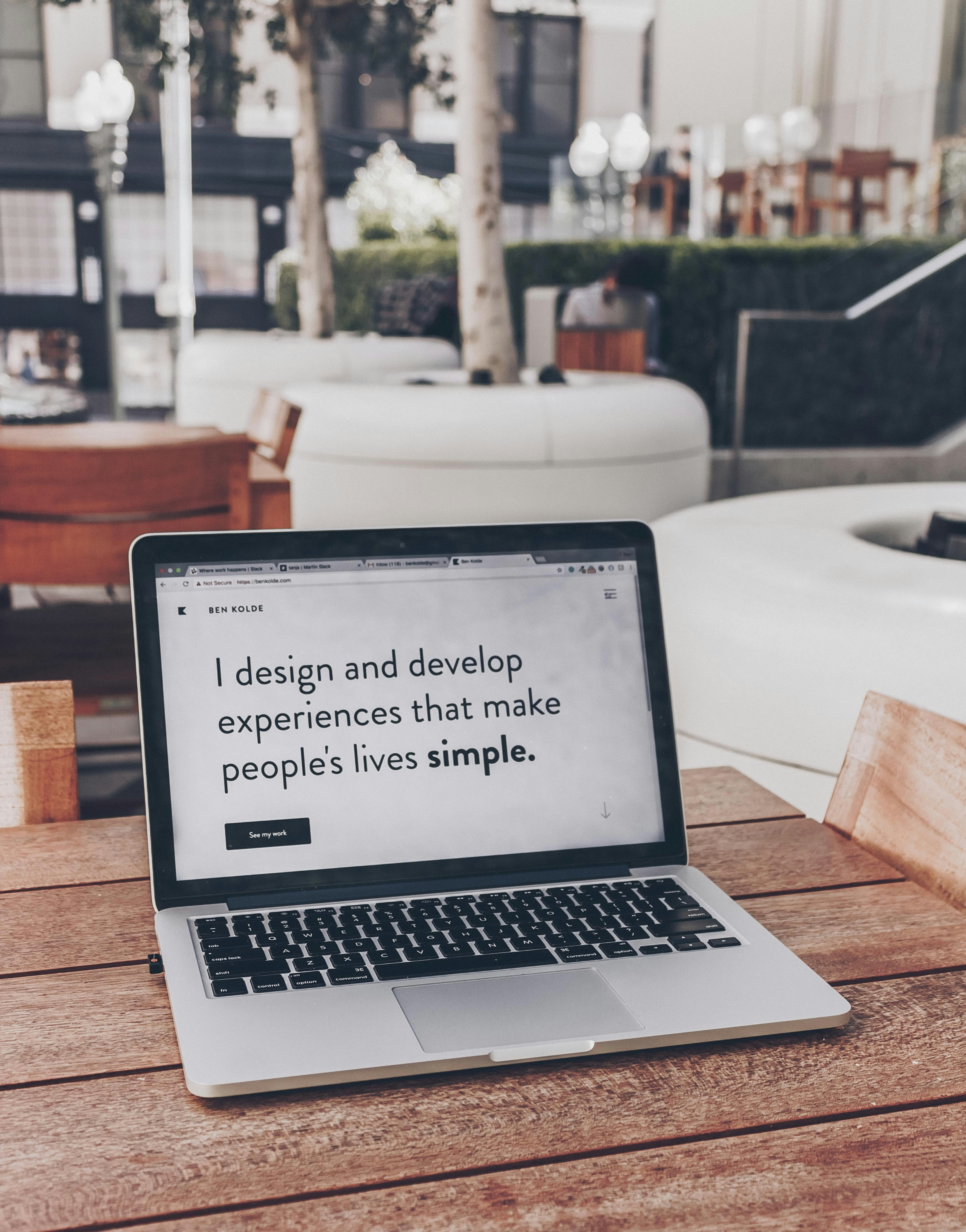
Responsive Portfolio
Create a professional portfolio website to showcase your projects and skills, with a focus on responsive design.
Objectives:
- Build a comprehensive portfolio website
- Implement CSS Grid for complex layouts
- Create a fully responsive design that works on all devices
- Apply advanced CSS techniques for visual appeal
Required Elements:
- Hero section with introduction and call-to-action
- About section with your background and skills
- Projects section with grid layout and project cards
- Skills/services section highlighting your expertise
- Testimonials or recommendations
- Contact section with form and alternative contact methods
- Responsive navigation with mobile menu
CSS Requirements:
- CSS Grid for page layout and project gallery
- Media queries for responsive design
- CSS animations and transitions for interactive elements
- Custom styling for all components
- Consistent color scheme and typography
- Dark/light mode toggle (optional challenge)
Content Tips:
- Keep your introduction clear and concise
- Highlight your most impressive projects first
- Include detailed project descriptions with technologies used
- Add links to live demos or GitHub repositories when possible
- Use real testimonials if available
- Make your contact information easily accessible
Design Tips:
- Use a clean, professional design that doesn't distract from your work
- Ensure sufficient contrast for readability
- Use consistent spacing throughout the site
- Optimize images for fast loading
- Test on multiple devices and browsers
- Consider accessibility for all users
Tips for Success
Project Workflow
- Plan first: Sketch your layout and identify the elements you'll need
- Start with HTML: Build the structure before adding styles
- Mobile-first approach: Design for small screens, then add complexity for larger screens
- Test frequently: Check your work in different browsers and screen sizes
- Refine and optimize: Look for ways to improve your code and design
Common Challenges and Solutions
| Challenge | Solution |
|---|---|
| Layout breaks on certain screen sizes | Use media queries to adjust layout at specific breakpoints |
| Images don't resize properly | Use max-width: 100%; height: auto; for responsive images |
| Text is hard to read on certain backgrounds | Ensure sufficient color contrast and consider adding a semi-transparent background |
| Navigation menu doesn't work well on mobile | Implement a hamburger menu for small screens |
| Forms look different across browsers | Use a CSS reset and consistent styling for form elements |
Next Steps After Completing Projects
- Share your projects on GitHub to build your portfolio
- Ask for feedback from peers or online communities
- Refine your projects based on feedback
- Challenge yourself by adding additional features
- Start learning JavaScript to add interactivity to your projects